 The Iron Bar

WELCOME TO THE IRON BAR
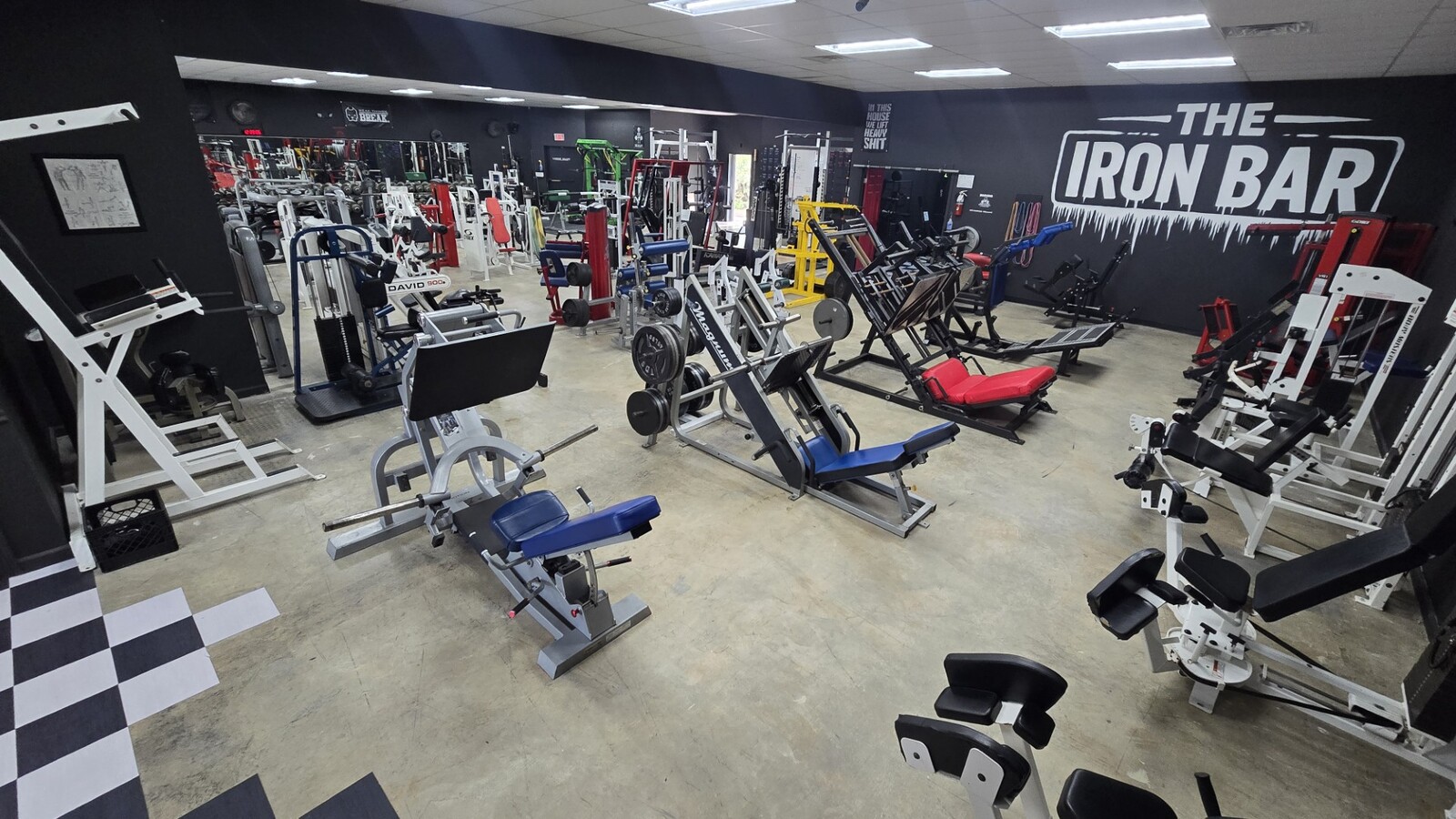
More than a gym — this is a family.
Located in Abita Springs, The Iron Bar is built for those who train with purpose, chase real goals, and show up ready to work.
No matter where you’re starting, if you’re willing to put in the effort — you belong here.
COME BUILD THE BEST VERSION OF YOURSELF.
NOW OPEN 24/7
Staffed hours:
11:30 AM to 7:00 PM Monday-Friday
11:30 AM - 6:30 PM Saturday
Sunday by appointment only
-SIGN-UP DIRECTIONS BELOW-
Sign up from anywhere at any time!
HOW TO SIGN UP:
1. Tap the three lines in the top-right corner of this webpage.
2. Select “Sign Up” and fill out your information.
3. Download the GymDesk app – this manages your membership.
4. Download the Kisi app – this controls your door access.
5. Create a Kisi account.
6. Check your email for domain link to connect GymDesk to Kisi.
7. Once you click the link you will create a password.
8. Click The Iron Bar picture.
9. Click the button that says "Locked Entrance Door" - Do this upon arrival every time you get to the gym.
(even if door is unlocked already)
How to access the gym:
WHEN YOU ARRIVE - Click "Unlock Door" on your Kisi app (even if door is unlocked)
-The reader light will be white → turns green when access is granted.
-If it turns red, access is denied — contact me to fix it.
Membership fees are autodrafted on the 15th of every month.
*Failure to pay your bill on time will result in loss of door access.
*Failure to pay bill within 10 days of the due date revokes membership.
A $25 fee will be charged to reinstate membership.